


Key Takeways
What Is an OTP Code and Why Do You Keep Getting One?
If you’ve ever tried to log in to an app, reset a password, or complete a payment and been asked for an OTP code, you’re not alone. OTPs (short for One-Time Passwords) are everywhere today, especially on mobile phones.
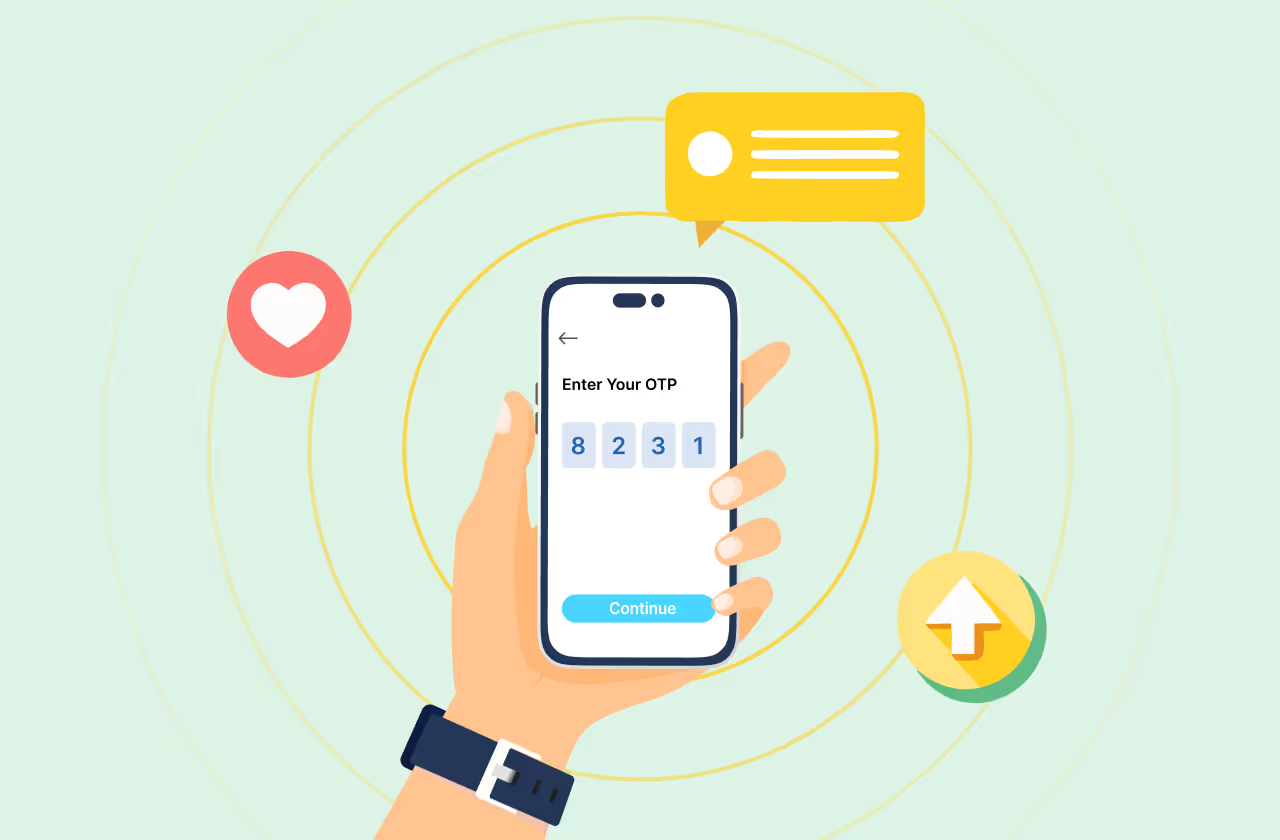
An OTP code is a temporary verification code sent to your phone or email to confirm that you are the one trying to access an account or complete an action. It usually arrives via SMS, WhatsApp, email, or an automated call, and it expires within minutes for security reasons.
People often search things like:
- What is my OTP code?
- How do I get an OTP code on my phone?
- Why didn’t I receive my OTP?
And the confusion makes sense. OTPs are generated by the service you’re trying to access (not by your mobile network) and they change every single time. There’s no fixed “OTP number” you can reuse or look up later.
In this guide, we’ll break it all down in simple terms:
- What an OTP code actually is
- How OTPs are sent to your phone
- Different ways to receive OTPs (SMS, WhatsApp, email, and more)
- What to do if you don’t get your OTP
- And how businesses securely send OTPs at scale
Whether you’re a user trying to understand OTP messages (or a business looking to send OTPs reliably) this guide covers everything you need to know.
How to Get an OTP Code on Your Phone
Getting an OTP code on your phone is usually quick and automatic, but the delivery method can vary depending on the service you’re using. Below are the most common ways OTP codes are sent, and what you should expect from each.
Get OTP via SMS (Most Common Method)
SMS is the most widely used way to receive an OTP code. Once you request verification, the OTP is sent as a text message to your registered mobile number.
Why SMS OTP is so common:
- Works on almost all mobile phones
- Doesn’t require internet access
- Familiar and easy for users
If you’re waiting for an OTP SMS, make sure your phone has network coverage and that you haven’t blocked unknown or short-code numbers.
Get OTP via WhatsApp
Many apps and services now send OTPs through WhatsApp, especially when SMS delivery is slow or unreliable.
WhatsApp OTP works well because:
- Messages are delivered over the internet
- OTPs appear inside an app users check frequently
- Messages are encrypted and easy to read
To receive a WhatsApp OTP, you need to have WhatsApp installed and active on the same phone number you’re using to sign in.
Get OTP via Email
Some services send OTP codes to your email address instead of your phone number.
Email OTPs are often used for:
- Password resets
- Account recovery
- Low-risk verification
If you don’t see the OTP email, check your spam or promotions folder before requesting a new one.
Get OTP via Phone Call
If SMS or WhatsApp delivery fails, some services offer OTP delivery through an automated voice call.
With call-based OTPs:
- A system calls your number
- The OTP is read out loud
- No internet is required
This option is especially useful when text messages aren’t arriving.
Get OTP via App Notifications or Authenticator Apps
In some cases, OTPs are delivered inside apps or generated by authenticator apps.
These methods:
- Offer higher security
- Don’t rely on SMS networks
- May require prior setup
They’re commonly used for two-factor authentication (2FA) in banking and enterprise systems.
In the next section, we’ll look at why OTP codes sometimes don’t arrive at all, and what you can do immediately if you’re stuck waiting for one.
Why Didn’t I Receive My OTP Code? (Common Reasons)
If you’re waiting for an OTP and nothing shows up, don’t panic. OTP delivery issues are common, and usually easy to fix. Here are the most common reasons why an OTP code might not arrive on your phone.
Network or Carrier Delays
SMS OTPs rely on mobile networks, and delays can happen during peak traffic, poor signal conditions, or temporary carrier issues. This is one of the most common reasons OTP messages arrive late, or not at all.
What to do:
Wait 30–60 seconds, then request a new OTP if needed.
Incorrect Phone Number or Country Code
Even a small typo in your phone number or an incorrect country code can prevent OTP delivery entirely.
What to do:
Double-check that the number you entered matches the number on your device, including the country prefix.
Spam Filtering or DND Settings
Some phones and carriers automatically filter OTP messages, especially if they come from short codes or unknown senders. DND (Do Not Disturb) settings can also block messages.
What to do:
Check your spam or blocked messages folder and temporarily disable DND if possible.
WhatsApp Not Installed or Inactive
If the service is sending OTPs via WhatsApp and you don’t have WhatsApp installed, or it’s inactive on your number, the OTP won’t be delivered.
What to do:
Make sure WhatsApp is installed, verified with the same phone number, and connected to the internet.
OTP Expired or Already Used
OTP codes are time-sensitive and can expire quickly. If you try to use an old OTP or reuse one, it won’t work.
What to do:
Always enter the latest OTP and request a new one if the code has expired.
If you’ve tried all of the above and still haven’t received your OTP, the issue is usually on the sender’s side. In the next section, we’ll explain what to do when your OTP code isn’t working and how to complete verification successfully.
What to Do If Your OTP Code Is Not Working
If you received an OTP but it’s still not working, the issue is usually related to timing or verification rules, not your phone. Here’s how to fix it quickly.
Make Sure You’re Using the Latest OTP
OTP codes are single-use and time-bound. If you requested multiple OTPs, only the most recent one will work.
Quick check:
Always enter the newest OTP message you received and ignore older ones.
Enter the OTP Before It Expires
Most OTP codes expire within 30 seconds to 5 minutes. Even a short delay can make the code invalid.
What to do:
Request a fresh OTP and enter it immediately after it arrives.
Avoid Copy-Paste Errors
Sometimes, copying and pasting an OTP can include extra spaces or characters, causing verification to fail.
Best practice:
Type the OTP manually, digit by digit.
Don’t Request Too Many OTPs Quickly
Requesting OTPs repeatedly in a short time can temporarily block verification for security reasons.
What to do:
Wait a minute or two before requesting another OTP.
Try a Different OTP Delivery Method
If available, switch from SMS to WhatsApp, email, or voice call OTP. Many services offer alternate delivery options when one channel fails.
If your OTP still doesn’t work after trying these steps, the safest option is to contact the service or app you’re trying to log into. In the next section, we’ll answer an important question many users ask: Is it safe to share your OTP code with anyone?
Is It Safe to Share Your OTP Code?
Short answer: No, never share your OTP code with anyone.
An OTP is designed to verify you and only you. If someone else gets access to your OTP, they can log in, reset passwords, or approve transactions as if they were you.
Here’s what you should always remember:
- No legitimate company will ever ask for your OTP over a call, email, or message
- OTPs are meant to be entered only on the website or app you’re using
- Sharing an OTP even once can lead to account takeover or financial fraud
Common OTP scams often involve messages or calls claiming to be from banks, delivery services, or customer support. They may create urgency, saying your account will be blocked unless you share the OTP. This is a red flag.
If you ever receive an OTP you didn’t request:
- Don’t enter it anywhere
- Don’t share it with anyone
- Report or ignore the message
In the next section, we’ll briefly explain how businesses send OTP codes securely and why reliable OTP delivery matters for both security and user experience.
How Businesses Send OTP Codes Securely
While users simply receive OTPs, businesses are responsible for sending OTP codes securely, instantly, and reliably, often at very large scale. This is handled behind the scenes using dedicated OTP systems rather than manual messaging.
When a user requests verification, businesses typically use an OTP platform or OTP API to:
- Generate a unique, time-bound OTP
- Send the OTP via SMS, WhatsApp, email, or voice
- Automatically retry or switch channels if delivery fails
- Validate the OTP in real time to prevent misuse
This is why OTP delivery usually feels instant. The system decides the fastest and most reliable way to send the OTP based on the channel, region, and network conditions.
For example, if an OTP SMS is delayed, some services automatically send the OTP via WhatsApp or another fallback channel, so users aren’t stuck waiting or retrying endlessly.
In the final section, we’ll wrap things up and summarize the safest and most reliable ways to deal with OTP codes in everyday use.
Frequently Asked Questions About OTP Codes
What is my OTP code?
Your OTP code is a temporary, one-time password sent to you by a website or app to verify your identity. It is generated for a specific action, expires quickly, and cannot be reused. There is no fixed OTP code, you receive a new one each time verification is requested.
How long does an OTP code last?
Most OTP codes are valid for 30 seconds to 5 minutes, depending on the service. If the OTP expires before you enter it, you’ll need to request a new one. Short expiration times help prevent unauthorized access.
Can I get an OTP code without internet?
Yes. OTPs sent via SMS or phone call do not require an internet connection. However, OTPs delivered through WhatsApp, email, or apps require active internet access to be received.
Why do OTP codes expire so quickly?
OTP codes expire quickly to improve security. Since OTPs are meant for immediate use, short validity periods reduce the risk of interception, reuse, or delayed misuse by unauthorized users.
What should I do if I receive an OTP I didn’t request?
If you receive an OTP you didn’t request, do not enter or share it with anyone. This may indicate someone attempted to access your account. Ignoring the message is usually safe, but consider securing your account if it happens repeatedly.
Why didn’t I receive my OTP code on my phone?
OTP delivery may fail due to network delays, incorrect phone numbers, spam filtering, or expired requests. Waiting briefly and requesting a new OTP usually resolves the issue.
Is OTP more secure than a password?
OTPs are generally more secure than passwords because they are time-bound and can only be used once. When used alongside passwords or for verification, OTPs significantly reduce the risk of unauthorized access.
Final Thoughts
OTP codes may look simple on the surface, but they play a critical role in keeping accounts, transactions, and personal data secure. Whether you’re receiving an OTP via SMS, WhatsApp, email, or a phone call, the goal is always the same: quick verification without compromising security.
If you ever don’t receive an OTP or run into issues, the fix is usually straightforward: double-check your number, wait a moment, request a new code, or switch to another delivery method if available. And most importantly, remember that OTP codes should never be shared with anyone, no matter how convincing the request may seem.
Behind every smooth OTP experience is a secure system designed to generate, send, and verify OTPs in real time. As digital interactions continue to grow, OTPs will remain one of the most trusted and widely used methods for protecting user access: simple for users, powerful for security.



.avif)