Key Takeways
According to a report, Facebook has over 3.065 billion monthly active users worldwide. With such a vast audience, it's no surprise that Facebook remains a dominant force in the social media landscape.
Its wide reach makes it an essential platform for both personal interactions and business communication strategies. As social media platforms continue to evolve, Facebook offers a unique solution through SMS notifications.
What Are Facebook SMS Notifications?
Facebook SMS notifications are text messages sent to your mobile phone to alert you about various activities related to your Facebook account. These notifications can include updates about direct messages, comments on your posts, tags in photos, changes to your profile and more. They offer a way to stay connected and informed even when you’re not actively using the Facebook app.
Once you enable SMS notifications, you can choose between two types of notifications
- One option sends messages related to security and privacy, such as login attempts, verifications, password changes and other critical updates. It’s designed to keep you informed about essential changes without overwhelming you with too much information.
- The other option includes updates beyond security, such as comments on your posts and tags. It allows you to tailor the type of SMS notifications you receive, which can result in a higher volume of messages.
Why Use Facebook SMS Notifications?
Facebook SMS notifications offer several advantages
- Visibility
Text messages tend to stand out more than emails or in-app notifications. If you’re missing out on important updates due to notification overload, receiving crucial information via SMS ensures it catches your attention.
- Timeliness
SMS notifications are often delivered more promptly than emails or app notifications. This is particularly beneficial for urgent updates, such as security alerts or significant account changes.
- Privacy and Security
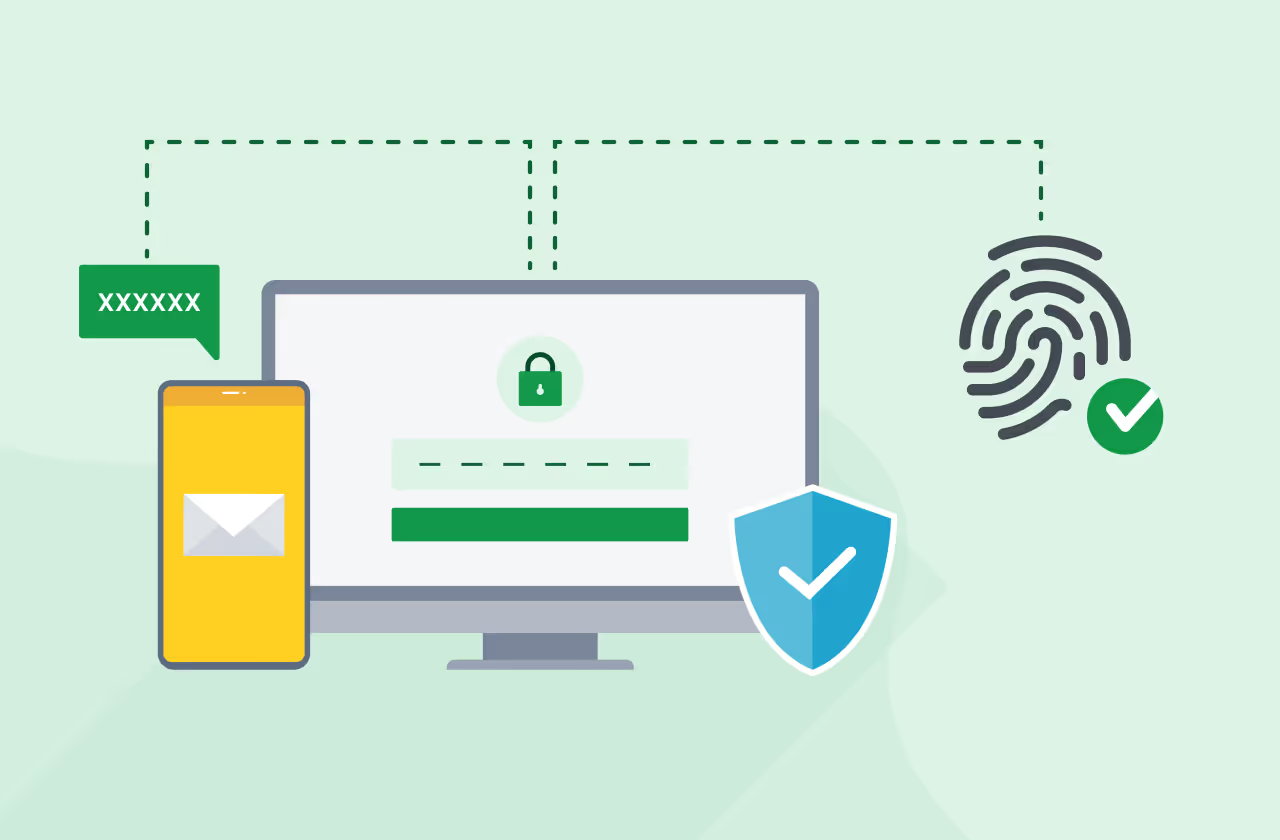
SMS notifications provide a more private and secure channel for receiving sensitive information like OTP SMS for two-factor authentication, reducing the risk of missing critical security alerts.
- Simplicity
SMS is a straightforward and universally accessible technology. Unlike app notifications that require an internet connection, SMS messages can be received even with minimal connectivity, ensuring you stay informed no matter where you are.
- User Control
By enabling SMS notifications, you gain more control over how and when you receive updates. This customization helps reduce the risk of missing critical messages amidst a sea of other notifications.
- Reliability
SMS has a near-perfect delivery rate, as it does not rely on third-party apps or internet connectivity. This makes it a reliable option for receiving important updates in real time.
- No App Dependency
Unlike push notifications, SMS doesn’t require users to have a specific app installed or be logged in. This makes it an ideal option for users who prefer not to rely on app-based communications.
- Reduced Distractions
By opting for SMS notifications, users can focus on fewer but more important notifications rather than being bombarded by less relevant in-app or push notifications.
- Customizable Experience
Facebook allows users to personalize their SMS notification settings, letting them choose specific types of alerts they want to receive, ensuring they only get messages that matter to them.
- Global Reach
SMS technology is universally supported across mobile devices and networks, making it accessible to users worldwide, regardless of their smartphone type or data plans.
How to Activate and Manage Facebook SMS Notifications
Activating Facebook SMS notifications involves a few simple steps
- Activate Facebook SMS Notifications
- Log in to your Facebook profile and navigate to your account settings.
- Under the Mobile tab, click "Add a Phone" and enter your phone number. Facebook will send you a confirmation text to verify your number.
- Configure SMS Settings
- Once verified, you can start customizing your notification preferences.
- Set the daily text limit and choose the times you want to receive SMS notifications.
- Under the Notifications tab, choose which types of notifications you wish to receive via SMS. You can opt for various channels like SMS, email or push notifications for different types of alerts.
- Stop Facebook SMS Notifications
- If you decide to stop receiving SMS notifications, you can remove your phone number from the Mobile tab in your settings.
- Alternatively, you can text "STOP" to Facebook’s short code 32665 to cease receiving SMS notifications.
Facebook SMS Commands You Need to Know
To manage your SMS notifications efficiently, here are some useful commands you can text to 32665
- Receive a One-Time Password
Text "OTP" to receive an authentication code.
- Start Receiving Notifications
Text "START" to begin receiving SMS notifications.
- Stop Receiving Notifications
Text "STOP" to opt out of SMS notifications.
- Get Assistance
Are Facebook SMS Messages Free?
Facebook does not charge for SMS notifications, but standard messaging rates from your phone provider apply.
What’s the Difference Between Push and SMS Notifications?
SMS messages are sent directly to your phone via your cell provider and are typically 160 characters long. Push notifications are brief messages sent from an app that you’ve installed on your device.
You can also refer to our detailed guide on SMS vs push notifications.
Integrating Facebook Messenger in Your Business
Apart from using Facebook for sending important SMS notifications to customers, businesses can further use Facebook Messenger for the following
- Enhance Customer Support
Use Facebook Messenger for Business to provide real-time customer support, offering instant responses to inquiries and issues, improving customer satisfaction.
- Automate Responses with Messenger Bots
Leverage Messenger bots to automate frequently asked questions, streamline responses and provide 24/7 customer service without manual intervention.
- Targeted Messaging through Custom Audiences
Utilize SMS technology alongside Facebook’s Custom Audiences to send targeted messages via Messenger, ensuring personalized and relevant communication.
- Messenger for Business Promotions
Run campaigns directly through Messenger, engaging with customers in a personal and interactive way that encourages immediate action.
- Interactive Surveys and Feedback
Use Facebook Messenger to gather feedback or conduct surveys, allowing for a conversational and engaging way to understand customer preferences.
- Messenger as a Sales Channel
Turn Facebook Messenger into a sales tool by enabling product inquiries, purchases and payment processing directly within the chat, providing a seamless shopping experience.
- Real-Time Appointment Scheduling
Allow customers to schedule appointments or services in real-time through Messenger, enhancing convenience and reducing friction in the customer journey.
- Combine with WhatsApp & Facebook Messenger
Integrate SMS with platforms like WhatsApp and Facebook Messenger for Business to create a unified communication approach.
- Explore SMS APIs alongside Messenger
Message Central’s Verify Now offers comprehensive APIs for OTP SMS, marketing campaigns and other large-scale messaging needs, enabling businesses to build effective SMS solutions.
Conclusion
Facebook SMS notifications provide a practical solution for staying updated on important account activities amidst the clutter of digital communication. By understanding how to activate and manage these notifications, you can ensure you never miss critical updates. Whether for personal use or integrating SMS technology into your business communication strategy, SMS remains a vital component of effective engagement in today's fast-paced digital landscape.