Key Takeways
First, the honest answer
You cannot send WhatsApp OTPs directly from your own WhatsApp Business account without a verified Facebook Business Manager.
However, you can start sending WhatsApp OTPs immediately by using pre-approved WhatsApp OTP routes (Click here to get started with WhatsApp OTPs in <15 minutes)
Let’s start with the painful truth.
You want to send WhatsApp OTPs for logins, signups, or payments.
Your product is ready.
Your users are waiting.
And then Meta says: “Please verify your Facebook Business Manager.”
Great.
Except verification can take days… sometimes weeks… and occasionally forever.
But OTPs don’t wait. Users don’t wait. Conversions definitely don’t wait.
The good news? You can send WhatsApp OTPs without a verified Facebook Business Manager. And yes, it’s fully compliant when done the right way.
Let’s break it down.
Why Facebook Business Manager blocks WhatsApp OTPs in the first place
WhatsApp OTP messages fall under authentication messages.
And Meta is very strict about these (for good reasons).
To send OTPs directly, Meta requires:
- A verified Facebook Business Manager
- An approved WhatsApp phone number
- Approved authentication templates
Sounds reasonable.
Until you realise the verification process is slow.
And while Meta verifies documents, your users are:
- Stuck on login screens
- Dropping off during signup
- Failing payment verification
- Asking support “Why didn’t I get my OTP?”
Not ideal.
The real problem: OTPs are time-critical
Here’s the thing.
OTPs are not marketing messages.
They’re not “nice to have”.
They are:
- Required for login
- Required for payments
- Required for security
- Required for trust
If OTP delivery is delayed:
- Signups fail
- Conversions drop
- Revenue leaks quietly
This is why businesses start searching for: “How to send WhatsApp OTP without Facebook Business Manager”
And honestly?
They’re asking the right question.
So… can you send WhatsApp OTPs without Facebook Business Manager?
Short answer:
Not from your own WhatsApp Business account.
Practical answer:
Yes, by using an approved WhatsApp OTP provider.
Here’s how that works.
How businesses send WhatsApp OTPs without verification delays
Instead of waiting for their own WhatsApp account to be verified, businesses use:
- Pre-verified WhatsApp Business API infrastructure
- Pre-approved OTP templates
- Registered WhatsApp numbers owned by the provider
Platforms like VerifyNow by Message Central already have:
- Verified WhatsApp Business accounts
- Approved authentication routes
- WhatsApp numbers ready to send OTPs
So instead of starting from zero, you simply plug into an existing, approved setup.
Think of it like this: You don’t need to build a highway if you can use one that already exists.
What happens when you use VerifyNow for WhatsApp OTPs?
Here’s what you don’t need:
- Facebook Business Manager verification
- A dedicated WhatsApp number
- Template approval wait times
- Weeks of back-and-forth with Meta
Here’s what does happen instead:
- You use Message Central’s VerifyNow and get a verified WhatsApp number
- You send OTPs via pre-approved authentication templates
- You start sending OTPs immediately
- You stay compliant with WhatsApp policies
A few important things to note (no surprises here):
- You will not be able to customize the template message for WhatsApp OTPs.
- You will not need a dedicated WhatsApp number for sending OTPs.
- You will be using Message Central’s registered and verified WhatsApp number to send WhatsApp OTPs.
- You can test the service and experience the delivery in real time before making a top up.
For most teams, that’s a very fair trade-off to unblock OTPs fast.
VerifyNow vs waiting for Facebook Business verification
Let’s make this painfully clear.
This is why many teams:
- Start with VerifyNow
- Run Meta verification in parallel
- Switch to their own account later if needed
Smart, not lazy.
How to start sending WhatsApp OTPs with Message Central (in just 2 steps)
No guesswork here. This is the actual flow.
Step 1: Sign up for free
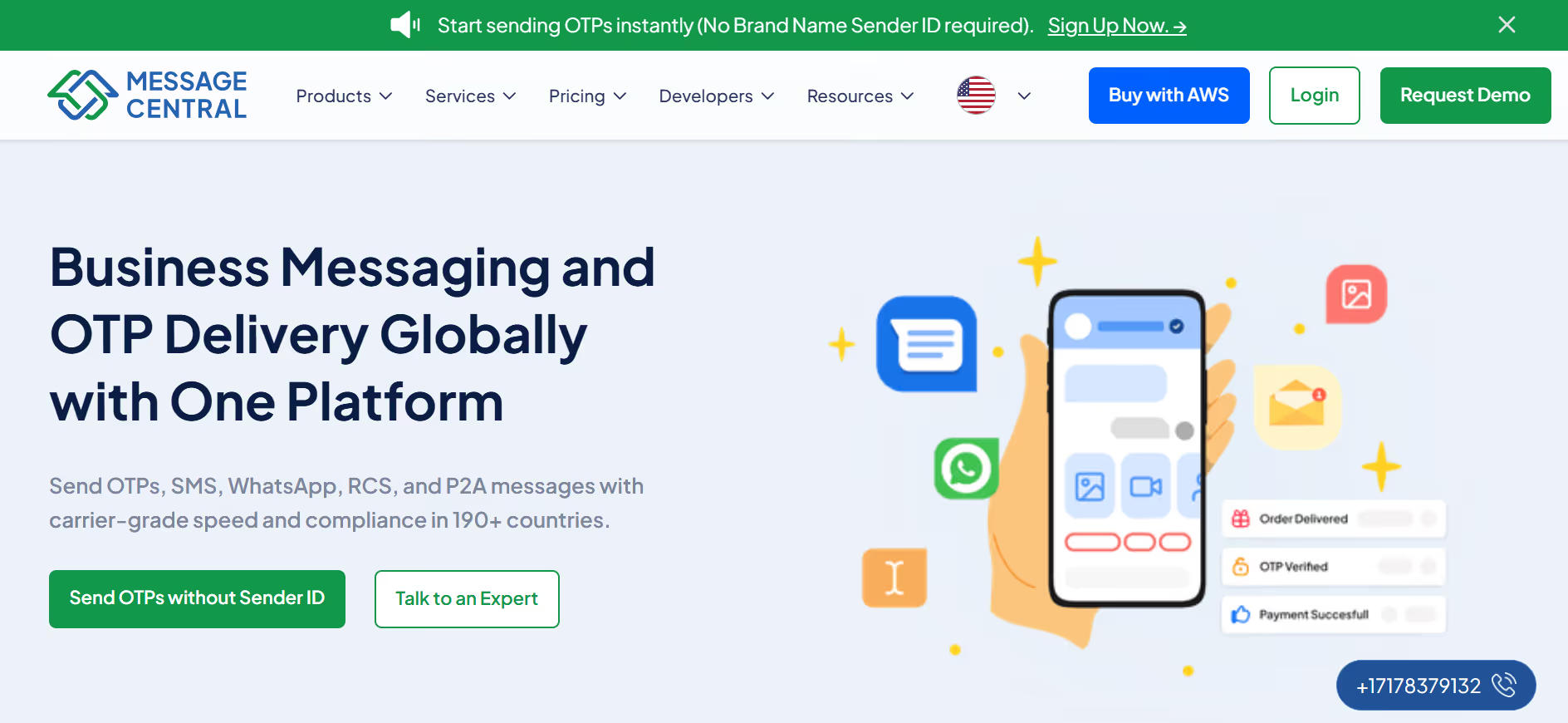
Go to the Message Central website and create a free account.
(No credit card required.)
Step 2: Test WhatsApp OTP instantly
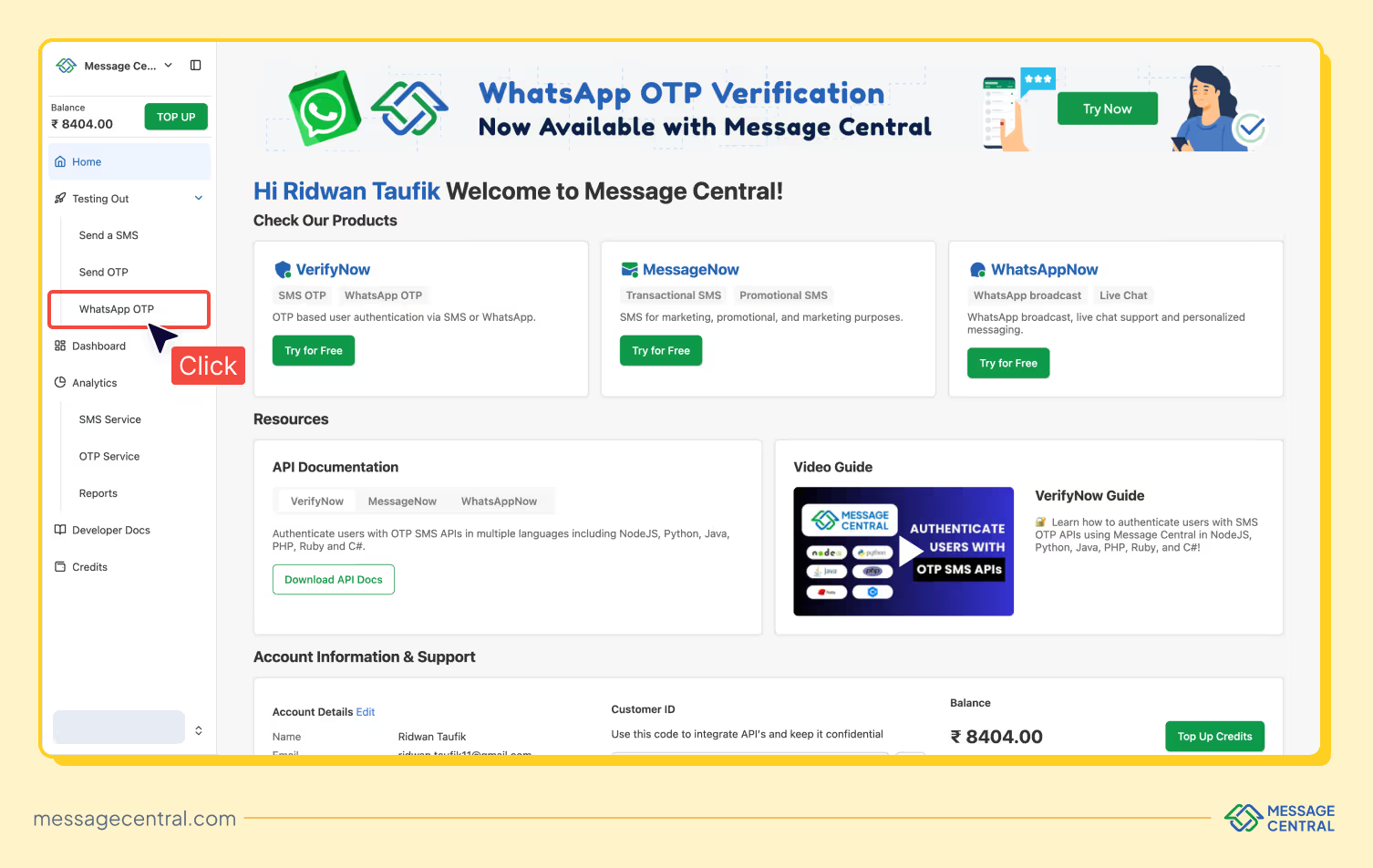
From the VerifyNow screen, you can:
- Send a test WhatsApp OTP
- Receive it on your phone
- Enter the OTP
- See successful verification in real time
No setup drama. No approvals. Just… working OTPs.
Is this approach safe and compliant?
Good question. And an important one.
Yes, this approach is compliant because:
- Messages are sent via WhatsApp-approved routes
- Templates follow authentication rules
- User opt-in is respected
- No policy loopholes are used
You’re not “bypassing” WhatsApp.
You’re using approved infrastructure instead of waiting for your own.
Big difference.
WhatsApp OTP vs SMS OTP (and why teams use both)
WhatsApp OTPs are great because:
- They’re more visible
- They feel more trustworthy
- Users open WhatsApp faster than SMS
But smart teams don’t choose just one.
They use:
- WhatsApp OTP as primary
- SMS OTP as fallback
VerifyNow supports this exact setup, so OTP delivery stays reliable even if one channel fails.
Final takeaway (no hype, just facts)
WhatsApp OTPs are mission-critical.
Facebook Business verification is slow.
Waiting weeks to send OTPs is not a strategy, it’s a bottleneck.
Using VerifyNow by Message Central, you can:
- Start sending WhatsApp OTPs immediately
- Stay compliant
- Test before committing
- Keep your signup and login flows moving
Run verification in parallel.
Ship your product today.
Your users will never know the drama you avoided, and that’s the best outcome!
FAQs (rich snippet friendly)
Q) Can I send WhatsApp OTPs without a verified Facebook Business Manager?
Yes, you can send WhatsApp OTPs without a verified Facebook Business Manager by using platforms such as VerifyNow.
VerifyNow allows businesses to send WhatsApp OTPs using pre-approved WhatsApp API routes, without requiring their own verified business manager or even a dedicated WhatsApp number. This helps teams start OTP delivery immediately while completing Meta verification in parallel.
Q) What happens if a WhatsApp OTP is not delivered?
If a WhatsApp OTP is not delivered, it usually means the message failed due to connectivity issues, user availability, or channel limitations.Reliable WhatsApp OTP providers typically handle this by retrying delivery or automatically falling back to SMS OTP to ensure the user still receives the verification code and authentication is not blocked.
Q) How much does WhatsApp OTP cost per message?
The cost of WhatsApp OTP per message depends on the country, message route, and volume.WhatsApp OTP pricing is generally higher than SMS OTP but offers better visibility and engagement. Platforms like VerifyNow provide transparent, pay-as-you-go pricing, allowing businesses to test delivery first and scale OTP volumes based on actual usage.