Key Takeways
- SMS pin verification has increasingly become a method of user identity authentication by businesses
- SMS pin verification enables password less logins, fraud prevention and enhancesd security for businesses
- Once the user signs up with his phone number, his identity can easily be authenticated by sending an SMS pin
- Ease of implementation and security are some of the crucial factors to consider while selecting an SMS pin login service
- Verify Now is a platform which is trusted by businesses across the world and makes SMS pin verification easy to implement
The process of verifying user identities has become increasingly important. A method to enable the same is SMS pin verification, which involves the use of one-time passcodes (OTPs) sent via text messages to confirm a user's identity.
In this comprehensive guide, we will delve into the intricacies of SMS verification, exploring its purpose, benefits, and the steps involved in the SMS pin verification process. This is done using an SMS verification service.
What is SMS Pin Verification?
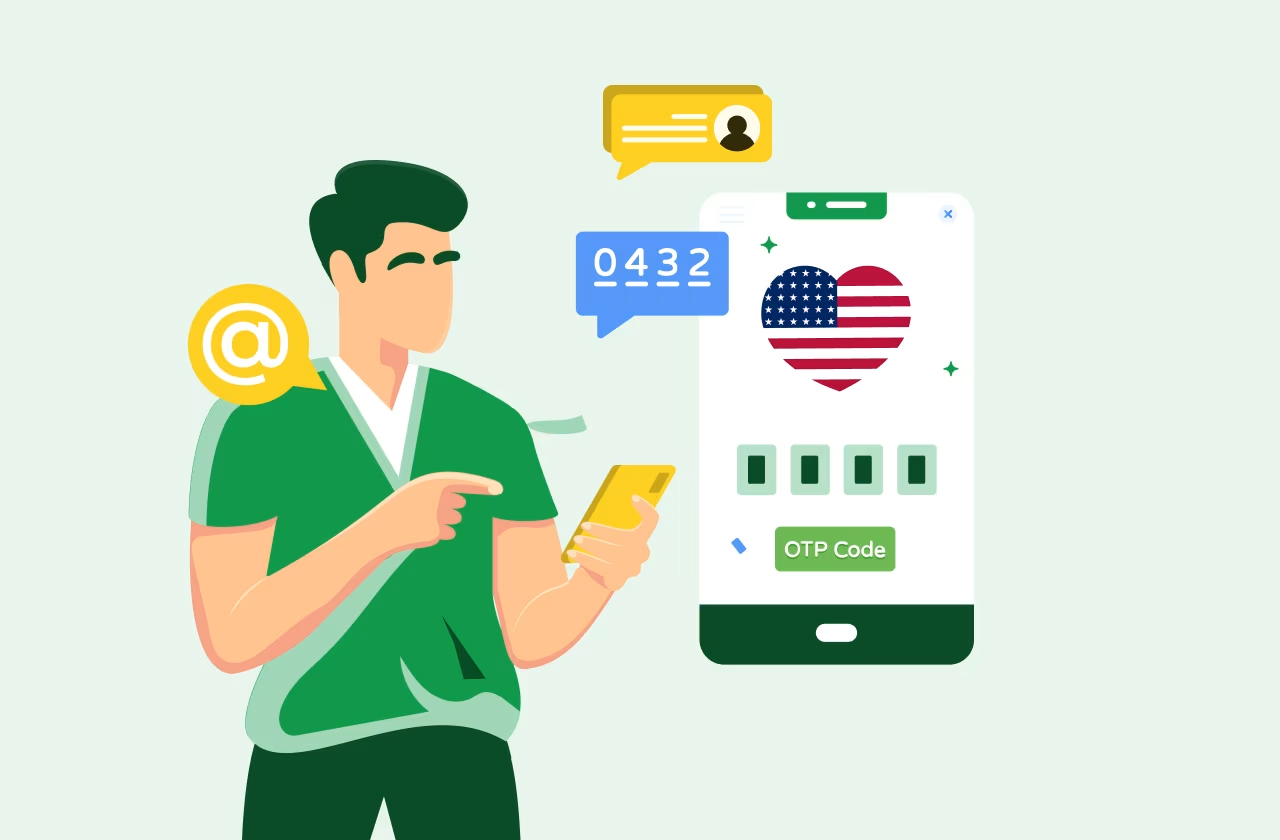
SMS pin verification is a secure process that utilizes text messages to deliver a one-time passcode to users during registration or login. This passcode, also known as an OTP, is generated by an identity provider and must be entered by the user within a specific timeframe to complete the verification process. The primary purpose of SMS pin verification is to ensure the authenticity of user accounts and protect against fraudulent activities.
The Need for SMS Pin Verification
SMS pin verification plays a crucial role in verifying a user's identity and preventing unauthorized access to accounts. Let's explore some key benefits of SMS pin verification:
- Password-Free Logins: With SMS pin verification, users no longer need to remember complex passwords. Instead, they can simply enter the OTP SMS, making the login process more convenient and user-friendly.
- Fraud Prevention: By requiring users to verify their identity through SMS pin verification, businesses can prevent fraudsters from exploiting discounts or promotions by using multiple email addresses or fake accounts.
- Enhanced Security: SMS pin verification adds an extra layer of security to user accounts. In conjunction with other authentication methods like passwords or biometrics, SMS verification helps ensure that only authorized individuals can access sensitive information or perform transactions.
How SMS Pin Verification Works
The process with SMS pin verificvation provider like Verify Now from Message Central typically involves three main steps:
- Phone Number Collection: During the registration or login process, the user is required to provide a valid phone number. This number will serve as the recipient of the SMS verification code.
- SMS Code Generation and Delivery: Once the user has entered all the necessary login information, an SMS containing a unique verification code is sent to their registered phone number. This code is typically valid for a limited period to maintain security.
- Code Entry and Verification: To complete the login process, the user must enter the specific verification code received via SMS into the corresponding app or website. Upon successful verification, the user gains access to their account or the desired service.
- Integration with APIs: Once tested, the APIs can be used to integrate the service within your app/ website. Verify Now provides a comprehensive API documentation, user guide and video guide to enable the same.
Tips for Choosing an SMS Pin Verify Login Service
When selecting an SMS pin verify login service, it's essential to consider certain factors to ensure a seamless and secure user experience. Here are some useful tips to keep in mind:
- Security: Choose an OTP SMS verification provider that prioritizes security. Look for services that employ encryption protocols to safeguard communication and protect user data from potential threats.
- Support: In case of any issues or technical difficulties, it's crucial to have prompt and reliable support from the service provider. Ensure that the chosen service offers excellent customer support to address any concerns that may arise.
- Ease of Implementation: Opt-in for an SMS pin verification service that offers a user-friendly interface and simple integration. The process should be quick and straightforward, allowing users to complete the verification within minutes.
- Automatic OTP Capture: A convenient feature to look for in an SMS verification service is automatic OTP capture. This eliminates the need for users to manually enter the verification code, streamlining the verification process.
- Optimized Routes: To ensure seamless and efficient verification, choose a service that utilizes optimized routes for SMS delivery. Intelligent routing helps maximize throughput and minimize delays in the verification process.
SMS Verification Using the Verification API
If you're developing a Python application and looking to implement SMS verification, the Verify Now Verification API can be a valuable tool. The Verify Now platform offers a straightforward process for verifying users using SMS pin verification. Here's an overview of how it works:

- User Login Attempt: When a user attempts to log in to your website or service, your backend initiates a request to the Verify Now platform, triggering an SMS pin verification process.
- SMS Verification Request: The Verify Now platform generates a one-time PIN code and sends it to the user's registered phone number via SMS.
- User Code Entry: The user receives the SMS and enters the verification code into the app or website.
- Verification Request: Your backend then sends a verification request to the Verify Now platform, providing the code entered by the user.
- Verification Result: If the code matches the one generated by the Verify Now platform, your backend receives a success result, indicating that the user has been verified.
- User Login: With successful verification, the user can proceed to log in to your site or service, confident in the security and authenticity of their account.
Conclusion
In conclusion, SMS verification service serves as a crucial component of the authentication process, ensuring the security and integrity of user accounts. By implementing SMS pin verification, businesses can offer password-free logins, prevent fraud, and enhance the overall security of their systems.
When selecting an SMS pin verify login service, prioritize security, ease of implementation, and prompt customer support. Additionally, the Verify Now Verification API provides a reliable solution for implementing SMS verification. Embrace the power of SMS verification to protect your users and provide a seamless user experience.
Additionally, use can also use SMS for promotional services. Message Central provides bulk SMS API for the same. RCS is also another method of communicating with customers supporting rich media. Although, while using RCS you might encounter sent as SMS via server sometimes. You can refer to our detailed guide on what does sent as SMS via server mean for the same.
For Businesses: How to Add SMS PIN Verify to Your App in 5 Minutes
Everything above explains what SMS PIN Verify is and how it works. If you are a business building an app, website, or platform and need to send SMS PIN Verify codes to YOUR customers — for signup, login, transaction confirmation, or password reset — this section is for you. Adding reliable SMS PIN Verify to your authentication flow is a 1-3hour engineering task with the right provider, and materially improves your signup conversion rate and account security.
What You Actually Need to Ship SMS PIN Verify
Businesses do not send SMS PIN by texting from a personal phone. They use an OTP service platform that handles the entire delivery pipeline: generating cryptographically random codes,routing them via SMS through direct carrier connections, retrying automatically if delivery fails, and validating the entered code in real time. Four components matter:
- Direct-carrier SMS OTP API. Use the SMS Verification API for the developer-focused endpoint or the productized SMS OTP Verification Service for the same infrastructure with dashboards and analytics. Direct-carrier routing gives you 95-99% delivery versus 80-90% on aggregators — that 5-15 percentage-point gap compounds into materially worse conversion at scale.
- A2P 10DLC compliance handling. A good provider registers your brand and campaigns with The Campaign Registry at onboarding. If you have to figure out A2P 10DLC yourself, walk away. See A2P 10DLC Complete Guide for the framework detail.
- Multi-channel fallback. SMS-only fails 5-8% of the time due to carrier filtering, network issues, or device settings. Add WhatsApp OTP API as a parallel channel — WhatsApp OTP at $0.00422 per delivered code in the US market is 40-70% cheaper than SMS PIN, TCPA-exempt, and SIM-swap resistant. Add voice OTP as a tertiary fallback for accessibility and blind-spot users. Modern OTP APIs handle failover automatically — your app does not write channel-switching logic.
- Pre-flight phone verification. Before spending on any OTP send, run the number through a Phone Number Verification API check. Catches VoIP, disposable, and fraud-linked numbers — cheaper than eating the OTP cost on a fake signup and preserves your sender reputation with carriers.
SMS PIN vs WhatsApp OTP: Which to Use for User Verification
Both. The winning pattern in 2026 is SMS PIN as primary (universal reach) with WhatsApp OTP as automatic fallback (higher engagement, lower cost, better security posture). SMS PIN reaches every phone including feature phones and users without WhatsApp installed. WhatsApp OTP delivers 98% open rates versus SMS at 95%, costs approximately$0.00422 per delivered code in the US market versus SMS at $0.0075-$0.015,displays your business name with green verification tick instead of an anonymous short code, is TCPA-exempt, and is SIM-swap resistant. For the full decision framework see WhatsApp OTP vs SMS OTP. For pricing detail see WhatsApp OTP Pricing.
The 5-Minute Setup Path
If you want to send your first SMS PIN in the next 5 minutes, the fastest path is:
- Sign up at the VerifyNow console — free trial credits, no credit card required
- Verify your email, log in, grab your API key
- Enter your test phone number in the console, hit send —receive an SMS PIN in 5-10 seconds
- Grab the SDK for your language stack (Node.js, Python, Java, Go, PHP, Ruby, .NET, Swift, Kotlin)
- Wire the send + verify endpoints into your signup or login flow — typical implementation is 1-3 engineering hours
- Add multi-channel fallback (WhatsApp OTP + voice OTP)by setting the flow Type parameter to enable auto-failover
- Ship to production
Provider Selection Checklist
Evaluate SMS PIN Verify providers against these criteria before committing to volume:
- Direct carrier connectivity — 95-99% delivery vs80-90% on aggregators
- Sub-10-second delivery latency — authentication completion drops sharply beyond 10-15 seconds
- A2P 10DLC handling built in — provider registers brand and campaigns as part of onboarding
- Multi-channel support — SMS + WhatsApp OTP +voice through one unified API with automatic failover
- Transparent USD pricing — no hidden markups or opaque volume tiers
- Quality SDKs — first-class support for Node.js, Python, Java, Go, PHP, Ruby, .NET, Swift, Kotlin
- 99.9%+ uptime SLA with public status page and financial penalties for breach
- 24x7 support — authentication issues cannot wait for business hours
For a head-to-head comparison of providers in the US market see Best OTP Service Provider USA 2026. For the broader SMS verification contextsee SMS Verification Complete Guide.
Get Started with Reliable SMS PIN Verify
Message Central operates VerifyNow as a direct-carrier-connected SMS PIN Verify platform. Direct carrier connectivity in the US, India, UAE, Brazil, Nigeria, and 200+ countries. A2P10DLC handling for US SMS. Multi-channel architecture (SMS PIN primary +WhatsApp OTP fallback through a single API. Sub-10-second delivery latency with 99.9% uptime SLA. To start sending SMS PINs, sign up at the VerifyNow console for free trial credits. Detailed API documentation at VerifyNow API.