


.avif)
Key Takeways
- Two-Factor Authentication (2FA) provides an extra layer of security, crucial amid rising cyber threats and vulnerabilities
- 2FA combines two forms of verification, like passwords and SMS codes, to thwart unauthorized access
- Methods include SMS verification, biometric authentication, and hardware tokens, each offering enhanced security
- Benefits encompass heightened security, protection against password breaches, peace of mind, and hacker deterrence
- Enabling 2FA is straightforward for users and businesses, strengthening online defenses and safeguarding sensitive data
With the rise of cybercrime and the increasing vulnerability of online accounts, it has become imperative to bolster security measures. While strong passwords are essential, they can still be cracked by determined hackers. This is where two-factor authentication (2FA) comes into play.

What is Two-Factor Authentication (2FA)?
Two-factor authentication, also known as two-step verification, is an additional layer of security used when logging into websites or apps. It requires users to provide two different components to verify their identity, adding an extra layer of protection beyond just a username and password.
By enabling 2FA, users are required to enter a second form of authentication, such as a code sent to their mobile phone or a physical token, in addition to their password. This makes it significantly harder for unauthorized individuals to gain access to an account, even if they possess the correct username and password.
The Importance of Two-Factor Authentication
The importance of enabling two-factor authentication cannot be overstated. As cyber threats continue to evolve, traditional username and password combinations are no longer sufficient to protect sensitive data. Two-factor authentication provides an additional safeguard against unauthorized access, significantly reducing the risk of account breaches.
According to the FBI's 2020 Internet Crime Report, cybercrime complaints in the U.S. exceeded 791,000, with reported losses exceeding $4.1 billion. Implementing 2FA can deter hackers and protect accounts from unauthorized access, as it requires both a password and access to a second form of identification.
Common Methods of Two-Factor Authentication
There are several common methods of implementing two-factor authentication, each offering an additional layer of security:
1. SMS Verification
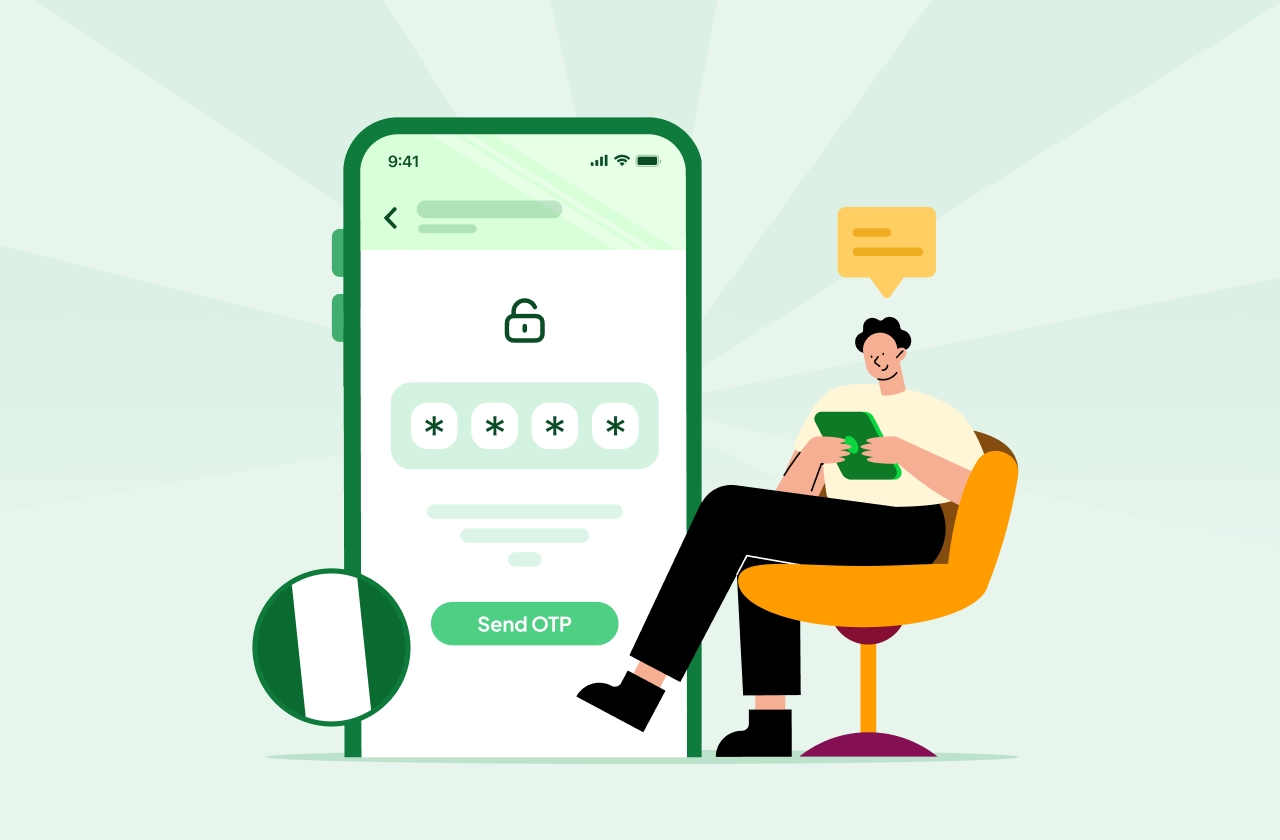
SMS verification involves sending a one-time code to a user's registered mobile phone number. Users enter this code along with their passwords to gain access to their accounts. Various OTP SMS providers enable this simply with APIs.
2. Biometric Authentication
Biometric authentication utilizes unique physical characteristics, such as fingerprints or facial recognition, to verify a user's identity. This method is increasingly popular due to its higher level of security. However, concerns about biometric data theft and privacy remain.
3. Hardware Tokens
Hardware tokens are physical devices that generate time-based codes or one-time passwords. These tokens can be carried by users and provide an additional layer of security. However, they may be susceptible to loss or theft.
How Does Two-Factor Authentication Work?
The process of two-factor authentication involves a series of steps to verify a user's identity:
- User initiates login process by entering their username and password.
- After entering the correct credentials, the user is prompted to provide a second form of authentication which is mostly an OTP SMS
- The user receives a unique code via SMS, a code generator application, or a physical token.
- The user enters the code, which is verified against the system's records.
- If the code is correct, the user is granted access to their account.
This multi-step process ensures that even if a hacker manages to obtain a user's password, they would still need the second form of authentication to gain unauthorized access.
Benefits of Two-Factor Authentication
Enabling two-factor authentication provides numerous benefits, including:
1. Enhanced Security
By requiring a second form of authentication, two-factor authentication adds an extra layer of security to user accounts. It significantly reduces the risk of unauthorized access, even if passwords are compromised.
2. Protection Against Password Theft
In the event of a password breach, two-factor authentication acts as a protective barrier. Even if a hacker obtains a user's password, they would still need the second form of authentication, making it much harder to gain access to the account.
3. Peace of Mind
Knowing that your accounts are protected by two-factor authentication can provide peace of mind. It adds an additional level of assurance that your sensitive data and personal information are safeguarded against unauthorized access.
4. Deterrence of Hackers
Implementing two-factor authentication can serve as a deterrent to hackers. With an additional layer of security, hackers are less likely to target accounts protected by 2FA, as it poses a greater challenge for unauthorized access.
Enabling Two-Factor Authentication
Enabling two-factor authentication is a straightforward process and is available on many websites and online services. The steps to enable 2FA may vary slightly depending on the platform you are selecting, but generally it goes as follows:
For businesses: -
- Select an OTP service provider which is secure and fast and combine the same with password protection.
- Follow the best practices for OTP authentication.
- Integrate using APIs.
For users: -
- Log in to your account and navigate to the security settings.
- Locate the two-factor authentication or two-step verification option.
- Choose the preferred method of authentication, such as code generator applications, SMS verification, or biometric authentication.
- Follow the on-screen instructions to set up and verify the second form of authentication.
- Once enabled, you will be prompted to provide the second form of authentication during future login attempts.
It is recommended to enable two-factor authentication on all online accounts, including email, social media, and online banking, to maximize account security.
Conclusion
In an increasingly digital world, protecting online accounts is of utmost importance. Two-factor authentication offers an additional layer of security, making it significantly more difficult for hackers to gain unauthorized access. By implementing 2FA and utilizing methods such as SMS verification, biometric authentication, or hardware tokens, individuals and businesses can enhance their account security and safeguard their sensitive information. Enable two-factor authentication today to fortify your online defenses and protect your digital assets.


.png)
