Key Takeways
- OTP verification sends a one-time code to a user's phone and checks it with a second API call, using a verification ID rather than storing the code.
- With VerifyNow, sending and validating an OTP takes three REST calls: token, send and validateOtp.
- Use 6-digit codes, a short expiry, rate limits and SMS pumping protection to keep the flow secure.
- Most delivery failures come from number formatting, unregistered U.S. traffic, filtered message text or expired codes, and each has a fix.
- U.S. OTPs cost $0.0087 with VerifyNow, with no separate verification fee and no 10DLC registration needed to start.
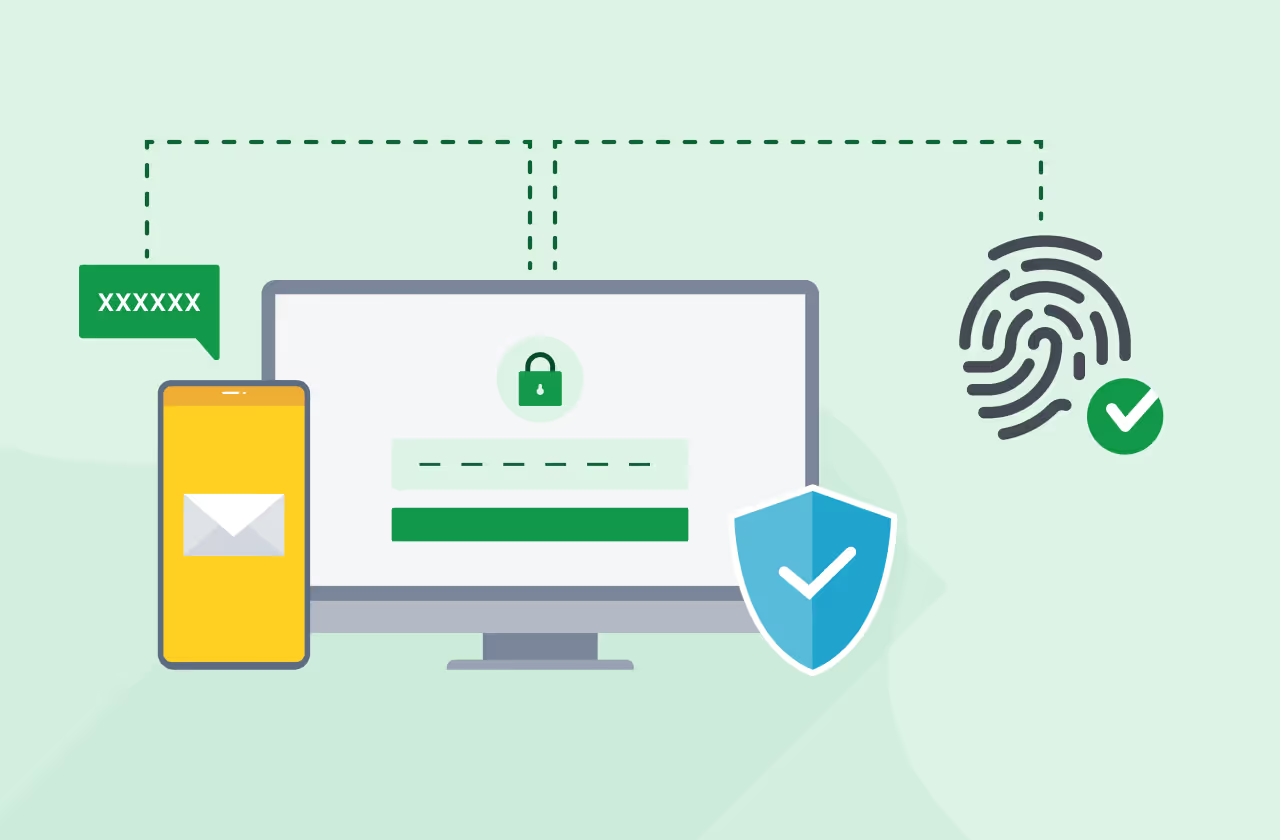
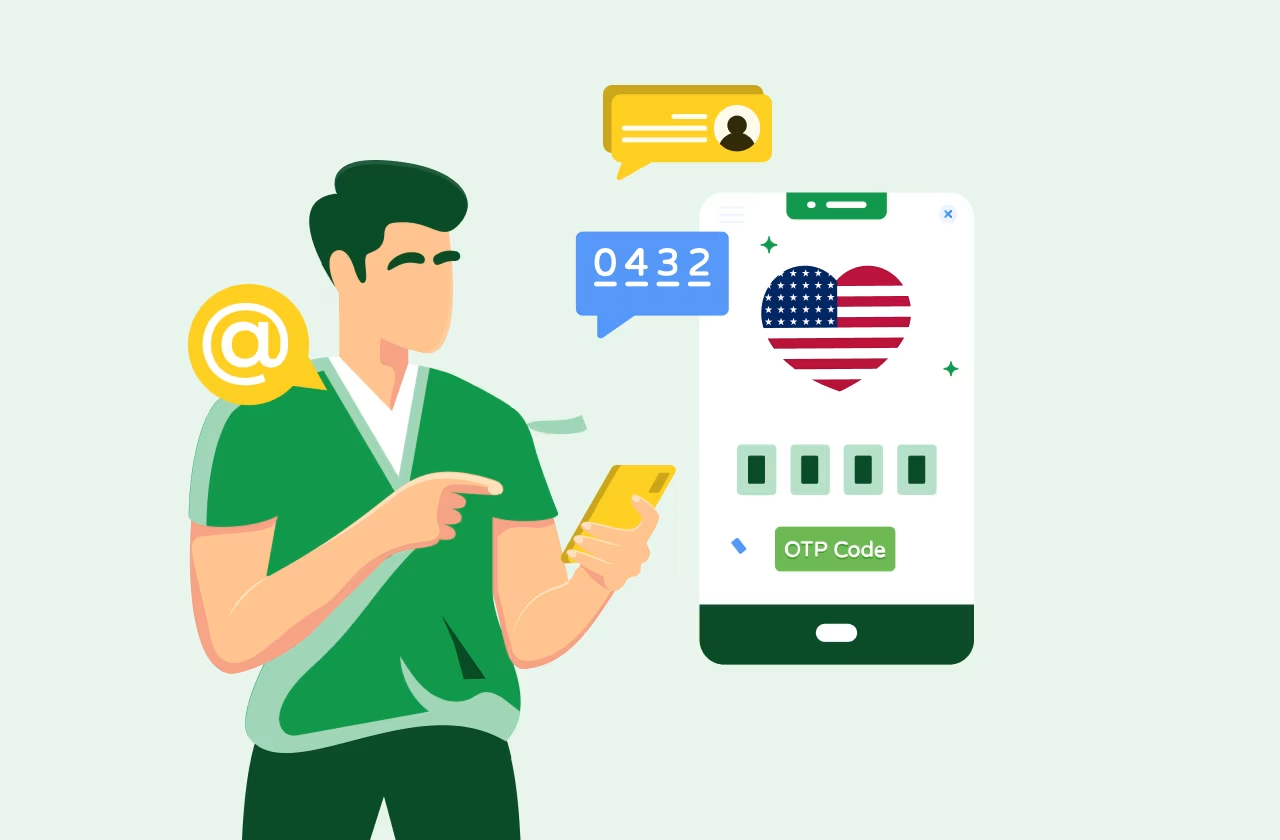
OTP verification is the most common way apps confirm that a user owns a phone number. Your backend asks an OTP API to send a one-time code by SMS or WhatsApp, the user types the code back, and your backend checks it. This guide is written for developers. It covers how the flow works, working API calls you can copy, the settings that keep it secure, why codes sometimes fail to arrive and how to fix each cause, and how SMS OTP compares with WhatsApp OTP and Silent Network Authentication.
What is OTP Verification?
OTP verification (one-time password verification) is a security check in which a temporary code is sent to a user's mobile number or email address. The user enters the code to prove they control that number before they sign up, log in, reset a password or approve a payment. Unlike a static password, an OTP works once and expires within minutes, so a stolen code is of little use to an attacker.
To add OTP verification to an app, you call an OTP verification API such as Message Central's VerifyNow. In the U.S., VerifyNow sends from pre-approved sender IDs on a shared 10DLC campaign, so you can send OTPs without registering your own brand or campaign first. In India, it sends without DLT registration.
How OTP Verification Works (Technical Flow)
A typical OTP verification flow has six steps:
- The user enters a phone number at signup, login, password reset or before a high-risk action.
- Your backend calls the OTP API's send endpoint with the country code and number. The API generates the code, sends it by SMS (or WhatsApp) and returns a verification ID.
- Your backend stores the verification ID against the user's session. You never need to store the code itself.
- The user receives the code, usually within seconds. Android apps can read it automatically with the SMS Retriever API, and iOS offers one-time-code autofill.
- The user enters the code in your app.
- Your backend calls the validate endpoint with the verification ID and the code. If the code matches and has not expired, you mark the number as verified.
Here is how the three API calls line up in VerifyNow:
| Step | Call | What you get back |
|---|---|---|
| 1. Authenticate | GET /auth/v1/authentication/token | An auth token for the authToken header |
| 2. Send the OTP | POST /verification/v3/send | A verificationId |
| 3. Validate the OTP | GET /verification/v3/validateOtp | VERIFICATION_COMPLETED, or an error code |
Code Sample: OTP Verification With VerifyNow
1. Generate a token (your customer ID and Base64-encoded password come from the console after you sign up):
curl --location --request GET \
  'https://cpaas.messagecentral.com/auth/v1/authentication/token?customerId=YOUR_CUSTOMER_ID&key=YOUR_BASE64_PASSWORD&scope=NEW'
2. Send the OTP to a U.S. number (add otpLength=6 for a six-digit code; the default is 4):
curl --location --request POST \
  'https://cpaas.messagecentral.com/verification/v3/send?countryCode=1&flowType=SMS&mobileNumber=2025550123&otpLength=6' \
  --header 'authToken: YOUR_TOKEN'
3. Validate the code the user entered, using the verificationId from step 2:
curl --location --request GET \
  'https://cpaas.messagecentral.com/verification/v3/validateOtp?verificationId=YOUR_VERIFICATION_ID&code=123456' \
  --header 'authToken: YOUR_TOKEN'
To send by WhatsApp instead, change the flowType parameter (see the API reference for the exact value). For Node.js, Python, Java, PHP and other languages, import these cURL commands into Postman and generate the code, or follow the full VerifyNow SMS OTP API reference. U.S. OTPs cost $0.0087 each, with no separate verification fee, and new accounts get free test credits. Create a free account to get your customer ID.
Handle These Response Codes
Your validate logic should treat these VerifyNow responses differently, rather than showing every failure as "invalid code":
- 702 WRONG_OTP_PROVIDED: let the user try again, and count the attempt toward your rate limit.
- 705 VERIFICATION_EXPIRED: offer a "Resend code" button that starts a new send request.
- 703 ALREADY_VERIFIED: the code was already used; continue the flow instead of showing an error.
- 800 MAXIMUM_LIMIT_REACHED: stop retries and tell the user when they can try again.
- 506 REQUEST_ALREADY_EXISTS: a send for this number is still active; reuse the existing verification ID instead of sending another code.
Benefits of OTP Verification
1. Enhanced Security
Static passwords are exposed to brute force, credential stuffing and password reuse. An OTP is unique to each attempt and expires quickly, which closes most of those gaps.
2. Two-Factor Authentication (2FA)
OTP is the most common second factor in two-factor authentication: something you know (a password) plus something you have (the phone that receives the code).
3. Passwordless Authentication
OTP can replace passwords entirely: users sign in with a phone number and a code. That removes password resets and the risk of reused passwords.
4. Protection Against Bots
Requiring a code sent to a real phone number makes fake signups slower and more expensive, because each account needs a working number.
5. Global Reach
SMS OTP works on any phone with a SIM, with no app to install and no data connection needed. VerifyNow delivers OTPs to 190+ countries.
OTP Verification Best Practices
Most weaknesses in OTP flows come from implementation choices rather than from OTP itself. These eight practices cover the common gaps:
- Use 6-digit codes. Six digits give 1,000,000 combinations against 10,000 for four. In VerifyNow, set otpLength=6.
- Keep expiry short. Five to ten minutes balances security against slow routes.
- Rate-limit attempts and sends. For example, allow 5 failed attempts per number per 15 minutes, and limit sends per IP address as well as per number.
- Protect against SMS pumping. Block sends to number ranges your users don't come from, and alert on sudden spikes to costly destinations. See our SMS pumping guide.
- Use direct, compliant routes. Grey routes cause delays and sender ID changes that make codes look suspicious.
- Autofill the code. Use the SMS Retriever API on Android and one-time-code autofill on iOS, so users don't have to switch apps.
- Log every attempt. Record the number, IP address, time and result for fraud investigations and support.
- Offer a fallback channel. If SMS doesn't arrive, let the user switch to WhatsApp OTP rather than tapping "Resend" again.
Why OTPs Fail to Arrive (and How to Fix Each Cause)
When users say "I never got the code", the cause is usually one of these:
- Wrong number format. Send the country code and the national number separately (countryCode=1, mobileNumber=2025550123), without a leading zero or plus sign in the number.
- Unregistered U.S. traffic. U.S. carriers filter application-to-person SMS that isn't sent through a registered 10DLC campaign, toll-free number or short code. VerifyNow sends through a pre-approved shared campaign; read how to send OTPs in the USA without your own 10DLC registration.
- Carrier filtering of the message text. Links, URL shorteners and promotional wording in an OTP message get filtered. Keep the message to the code, your app name and a short expiry note.
- Expired or reused codes. A user who taps "Resend" twice may type the first code after the second has replaced it. Show which code is current and when it expires.
- The phone can't receive SMS right now. Wi-Fi-only devices, roaming or a weak signal delay SMS. A WhatsApp fallback covers most of these cases.
- Blocked or spam-filtered sender. Some phones filter messages from unknown senders. Users can find more help in our guide to why an OTP code doesn't come by SMS.
OTP Verification Security Considerations
OTP is much safer than a password alone, but it has known weaknesses to plan for:
- SIM swap fraud. An attacker moves the victim's number to a SIM they control and receives the codes. For high-risk actions, check for a recent SIM swap or verify the number silently at the carrier level with Silent Network Authentication.
- SMS pumping (artificial traffic inflation). Fraudsters trigger large volumes of OTPs to premium numbers they profit from. Rate limits and destination controls are the main defence; see SMS pumping protection in the USA.
- Phishing. Users can be tricked into typing a code on a fake site. Short expiry and a message that names your app ("Your Acme code is…") reduce the risk.
- Slow international routes. Some international routes take longer, so allow a sensible expiry and offer a fallback channel.
Implementing OTP Verification: Step-by-Step
Step 1: Choose an OTP Service Provider
Look for direct carrier routes, a pre-approved path for U.S. 10DLC (and India DLT if you send there), SMS pumping protection, WhatsApp fallback, clear pricing with no hidden verification fee, and documentation your team can follow in an afternoon.
Step 2: User Registration Verification
At signup, send an OTP to the number, validate the code, then create the account. You get fewer fake accounts and a verified number for future messages.
Step 3: Login Verification
Use OTP as a second factor at login, either every time (for high-security apps) or only when risk is higher, such as a new device or location.
Step 4: High-Risk Transaction Verification
Ask for an OTP before bank transfers, password or email changes and large purchases, so the user confirms the action at the moment it happens.
Step 5: Monitor and Iterate
Track delivery rate, verification completion rate, time to verify, resend rate and the share of attempts blocked as fraud. A rising resend rate is usually the first sign of a delivery problem.
OTP Verification Use Cases by Industry
- Banking and fintech. Account opening, payment approval, large transfers and password resets.
- E-commerce. Signup, guest checkout, cash-on-delivery confirmation and delivery handover.
- Healthcare. Patient signup, telehealth access and access to health records.
- Travel. Booking confirmation, check-in and loyalty account access.
- Gig economy. Driver and rider verification and payout confirmation.
- Government. Citizen portal login, tax filing and document access.
- SaaS and B2B. Admin 2FA and approval of sensitive changes.
OTP Verification vs WhatsApp OTP vs Silent Network Authentication
| Feature | SMS OTP | WhatsApp OTP | Silent Network Auth |
|---|---|---|---|
| User effort | Type or autofill a code | Type or copy a code | None (runs in the background) |
| Coverage | Any phone with a SIM | Users with WhatsApp | Supported carriers only, on mobile data |
| Needs a data connection | No | Yes | Yes (mobile data) |
| SIM swap protection | Weak | Weak | Strong |
| Best for | Universal default | Fallback in WhatsApp-heavy markets | High-risk actions on supported networks |
Most teams use SMS OTP as the default, add WhatsApp OTP as a fallback, and use Silent Network Authentication where carriers support it.
Why Developers Choose VerifyNow
- $0.0087 per U.S. OTP with no separate verification fee. See VerifyNow U.S. pricing.
- No 10DLC or DLT paperwork to start: send from pre-approved sender IDs on day one.
- Three REST calls to send and validate, documented in the SMS OTP API reference.
- SMS and WhatsApp OTP through the same API, with 190+ countries covered.
- Pay only for successfully delivered messages, and start with free test credits.
Start free with VerifyNow and send your first OTP in minutes.
Frequently Asked Questions
What is OTP verification?
OTP verification is an authentication method where a one-time password is sent to a user's phone number (or email) and the user enters that code back into the app to prove they own the number.
How does OTP verification work?
Your backend calls an OTP API to send a code and receives a verification ID. The user types the code into your app, and your backend calls the validate endpoint with the verification ID and the code. If they match and the code hasn't expired, the user is verified.
What are the best practices for OTP verification?
Use 6-digit codes, a 5–10 minute expiry, rate limits on attempts and sends, SMS pumping protection, direct compliant routes, code autofill on mobile, logging of every attempt, and a WhatsApp fallback.
Is OTP verification secure?
OTP verification is much more secure than passwords alone, but SIM swap and phishing can defeat it. For high-risk actions, add a SIM swap check or Silent Network Authentication.
How much does OTP verification cost?
It depends on the country and provider. With VerifyNow, a U.S. OTP costs $0.0087, with no separate verification fee.
Why is my OTP not being delivered?
The usual causes are a wrongly formatted number, unregistered U.S. traffic being filtered by carriers, links or promotional words in the message, an expired code, or a phone with no signal. Fix the format, send through a registered route and offer a WhatsApp fallback.