


Key Takeways
- TOTP is generated client-side from a shared secret per RFC 6238, valid for 30 seconds, free per verification, immune to SMS pumping and SS7 attacks.
- Three-step integration: generate secret at enrollment, build QR-code provisioning URI, verify user-entered codes server-side with valid_window=1.
- Five UX patterns matter: show QR + secret as text, verify enrollment immediately, generate recovery codes, allow multi-app, show what app to install.
- Library options in 8 languages: otplib (Node), pyotp (Python), java-otp, otphp (PHP), otp (Go), rotp (Ruby), totp-rs (Rust), Otp.NET. All implement RFC 6238 identically.
- Right architecture: SMS OTP at signup (universal coverage), prompt TOTP enrollment over 30-90 days for security-conscious users, default to TOTP once enrolled, step up to passkey for high-stakes actions.
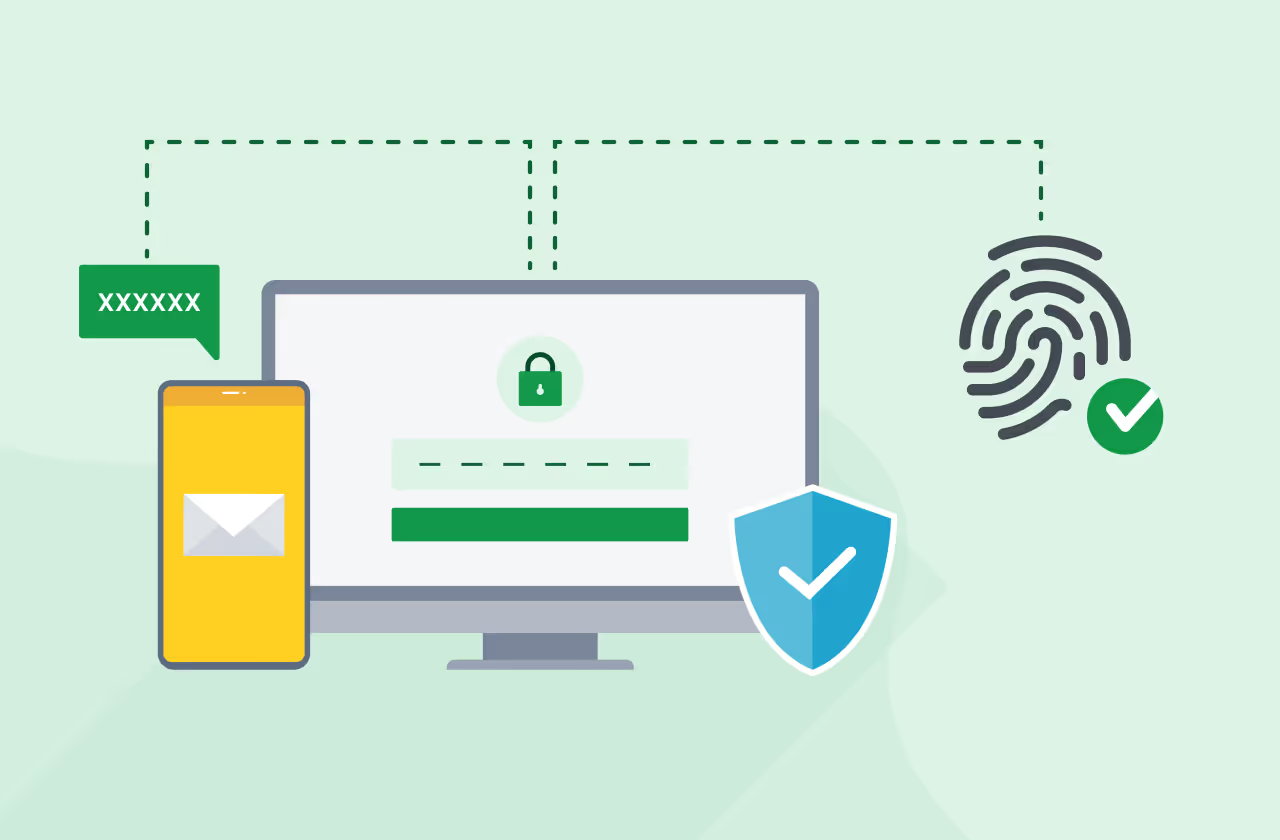
TOTP (Time-based One-Time Password) is the second factor that quietly powers most enterprise and security-conscious consumer authentication in 2026. Generated client-side from a shared secret, valid for 30 seconds, free per use, immune to SMS pumping and SS7 attacks. The catch: users have to install an authenticator app and complete a one-time enrollment. Done well, TOTP is the right second factor for high-volume returning users and the natural step-up from SMS OTP. This guide covers TOTP API integration for US apps in 2026, the standard, the libraries, the enrollment UX, and the production patterns.
What is TOTP?
TOTP is a 6-8 digit code generated by an authenticator app (Google Authenticator, Authy, 1Password, Microsoft Authenticator) from a shared secret you set up at enrollment, valid for a 30-second window. The code rotates every 30 seconds. Both the user's authenticator app and your server compute the same code from the same secret, and verification compares them.
The standard is RFC 6238, published in 2011 and stable ever since. Implementations exist in every major language. Verification is free per use because no message is sent; both sides compute the code locally.
TOTP vs SMS OTP: When to Use Each
DimensionSMS OTPTOTPUser setupNone (every user has SMS)One-time enrollment with QR code scan (~30 seconds)User verification timeRead SMS, enter code (10-30 seconds)Open app, read code, enter (10-15 seconds)Cost per use$0.01-0.04 in US$0 (no message sent)Security level (NIST)"Restricted""Permitted"SS7/SIM swap vulnerableYesNoPhishing resistanceVulnerable to social engineeringSlightly better but not phishing-proofWorks offlineNo (needs cellular SMS)Yes (codes generated locally)Recovery if device lostEasy (still have phone number)Requires recovery codes pre-generated at enrollmentCoverage in US~99% (universal)~30-40% of consumer users have an authenticator app
Right architecture: SMS OTP at signup for universal coverage, prompt TOTP enrollment as a "level up" for returning users, default to TOTP for users who've enrolled. Our 2FA tutorial covers the layered pattern.
TOTP Integration: How It Works
Three steps end-to-end:
Step 1: Generate a Secret at Enrollment
# Python with pyotp library
import pyotp
secret = pyotp.random_base32()  # 32-char base32-encoded secret

# Store the secret in your user record (encrypted at rest)
user.totp_secret = encrypt(secret)
user.save()
The secret is the shared key. Both your server and the user's authenticator app need it. Store it encrypted at rest in your user database.
Step 2: Build the Provisioning URI and QR Code
# Generate the otpauth URI per RFC 6238
uri = pyotp.totp.TOTP(secret).provisioning_uri(
    name=user.email,
    issuer_name='YourApp'
)
# Format: otpauth://totp/YourApp:user@example.com?secret=ABC...&issuer=YourApp

# Generate a QR code the user scans with their authenticator app
import qrcode
qr_image = qrcode.make(uri)
return qr_image  # display to user
The user opens their authenticator app, taps "scan QR code," and the app reads the URI. The app extracts the secret and starts generating codes for that account.
Step 3: Verify a User-Entered Code
# Verify the code at login
def verify_totp(user, user_entered_code):
    secret = decrypt(user.totp_secret)
    totp = pyotp.TOTP(secret)
    # valid_window=1 means accept the previous and next 30-second window
    # in case of clock drift between server and user device
    return totp.verify(user_entered_code, valid_window=1)
Server computes the expected code from the stored secret and compares to the user-entered code. Verification succeeds if they match within the validity window.
Enrollment UX That Actually Works
Five UX patterns separate good TOTP enrollment from frustrating:
Show the QR code AND the secret as text
Users on mobile devices can't easily scan the QR code on the same screen. Display both: the QR code for desktop-to-mobile setup, and the secret as text for users entering it manually on their authenticator app.
Verify enrollment immediately
After the user scans the QR code, prompt them to enter the current code from their authenticator app. Verify it before saving the secret as enrolled. This catches setup errors at enrollment instead of at first login.
Generate recovery codes at enrollment
Generate 8-10 single-use recovery codes the user saves before completing enrollment. Without them, users who lose their device can't recover their account. Store recovery codes hashed in your database; mark each as used after consumption.
Allow multiple authenticator apps
Some users use Google Authenticator on phone and Authy on desktop. The TOTP standard supports the same secret enrolled in multiple apps simultaneously. Your enrollment flow should make this clear.
Show what app to install
Most users haven't seen TOTP before. Show the four most popular apps (Google Authenticator, Microsoft Authenticator, Authy, 1Password) with download links during enrollment.
Library Reference: TOTP in Major Languages
LanguageLibraryInstallNode.js / TypeScriptotplibnpm install otplibPythonpyotppip install pyotpJavajava-otpMaven: com.eatthepath:java-otpPHPotphpcomposer require spomky-labs/otphpGootpgo get github.com/pquerna/otpRubyrotpgem install rotpRusttotp-rsCargo: totp-rs.NETOtp.NETNuGet: Otp.NET
All implement RFC 6238 the same way. Pick the library for your language; the API surface is essentially identical (generate secret, build URI, verify code).
Common Implementation Mistakes
Storing the secret in plaintext
The secret is the shared key; anyone with it can compute the user's codes. Encrypt at rest with provider-managed or customer-managed keys.
Skipping the recovery-codes step
Users who lose their device with no recovery codes have to go through manual identity verification with your support team. Recovery codes generated at enrollment cost zero and save hours of support time per locked-out user.
No clock-drift tolerance
If your server clock and the user's device clock drift by more than 30 seconds, verification fails. Use valid_window=1 (accept previous and next windows) to tolerate small drift. For higher tolerance use valid_window=2.
Allowing the same code to verify twice
Once a code has been used, mark the verification ID as consumed. Otherwise an attacker who shoulder-surfs the code can use it within the 30-second window.
Not rate-limiting verification attempts
Brute-forcing a 6-digit code is feasible without rate limits. Cap at 5 attempts per session, exponential backoff after.
When to Step Up from TOTP to Passkey
TOTP is materially stronger than SMS OTP but weaker than passkeys. The typical maturity arc:
- SMS OTP at signup for universal coverage (everyone has SMS).
- Prompt TOTP enrollment over the first 30-90 days for security-conscious users.
- Once TOTP is mainstream in your user base, prompt passkey enrollment as the next upgrade.
- For high-stakes admin actions, require FIDO2 hardware keys regardless of other factors.
The FIDO Alliance publishes the multi-year passkey-migration playbook. Our passkey vs OTP guide covers the trade-offs.
FAQs
Why use TOTP if passkeys are better?
TOTP has broader user adoption today than passkeys (users with Google Authenticator or Authy installed are common; users with passkeys enrolled on your service are rarer in 2026). TOTP is also the natural intermediate step between SMS OTP and passkeys for users who don't yet trust passkeys or whose devices don't support them. Pattern: support all three.
Does TOTP require an OTP API at all?
Not for the verification itself — codes are computed client-side and verified server-side using a standard library. But you typically use an OTP API alongside TOTP for: (a) the initial SMS OTP factor at enrollment (verify the user owns the phone before allowing TOTP enrollment), (b) account recovery via SMS when the user loses their TOTP device, (c) fallback factor on devices where TOTP isn't available.
How long should the TOTP code be?
RFC 6238 supports 6, 7, or 8 digits. Six digits is the universal default — every authenticator app shows 6-digit codes, every user expects them. Eight digits adds marginal security at meaningful UX cost. Stick with 6.
Add TOTP as the High-Assurance Layer in Your Stack
TOTP is free per verification, phishing-resistant, and the right second factor for security-conscious returning users. Add it alongside your existing SMS OTP integration as a "level up" option for users who want stronger security. VerifyNow for USA handles the SMS layer with pre-approved 10DLC routes and sender IDs (start sending in under 5 minutes); pair with the TOTP library of your choice for the high-assurance layer. Free test credits, no credit card required.



.avif)